PDF Caddy
63 PDF tools for professional practices, in one workspace.
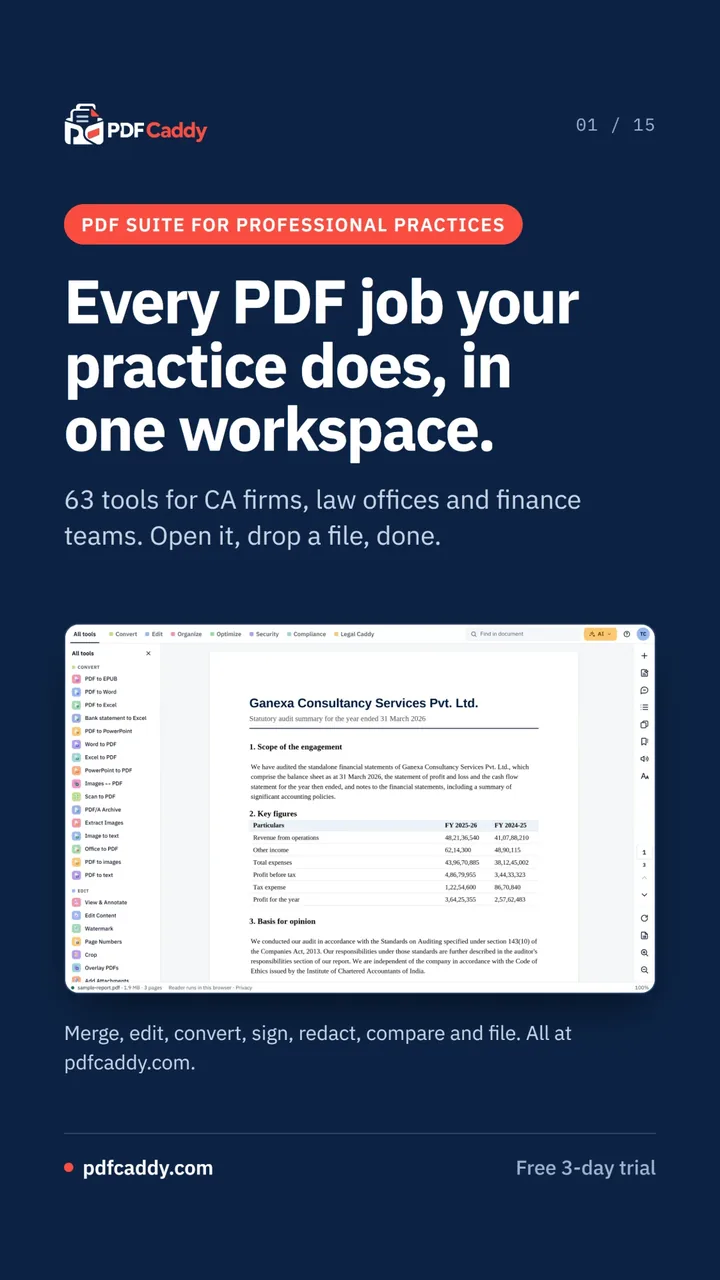
PDF Caddy is a PDF workspace for CA firms, law offices and finance teams, with 63 tools to merge, edit, convert, sign, redact, compare and prepare court bundles.
What is PDF Caddy?
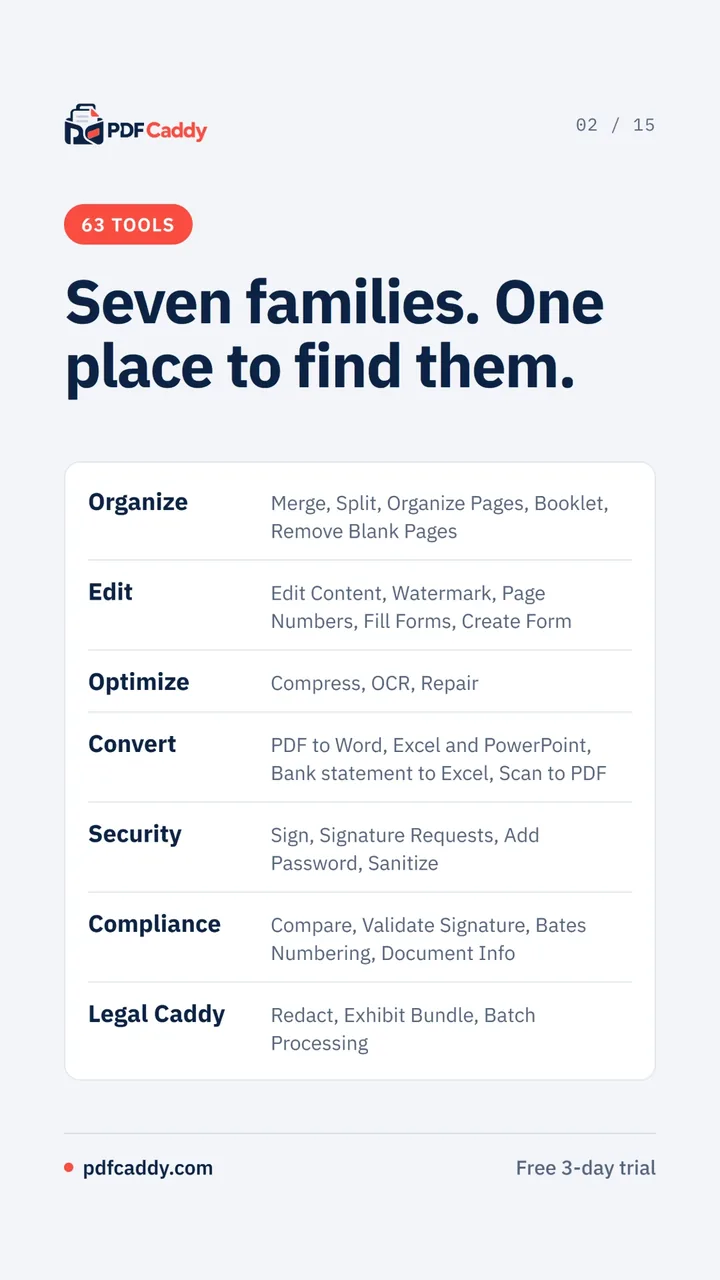
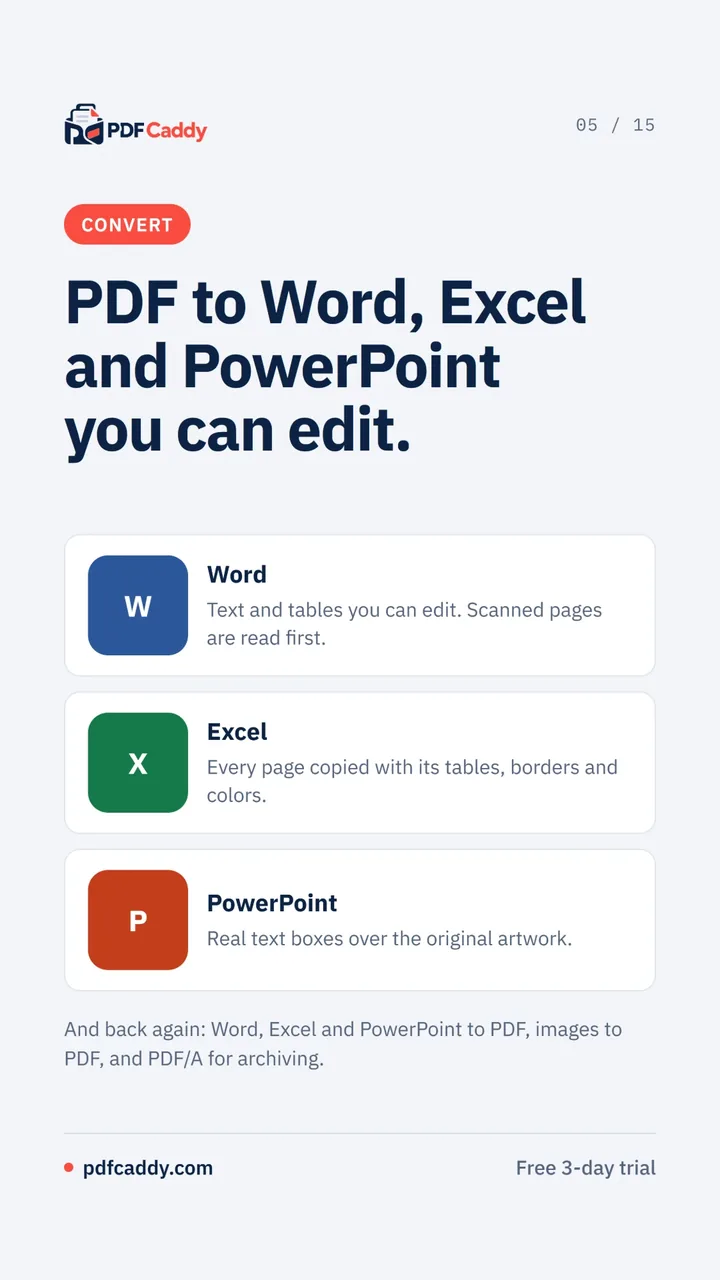
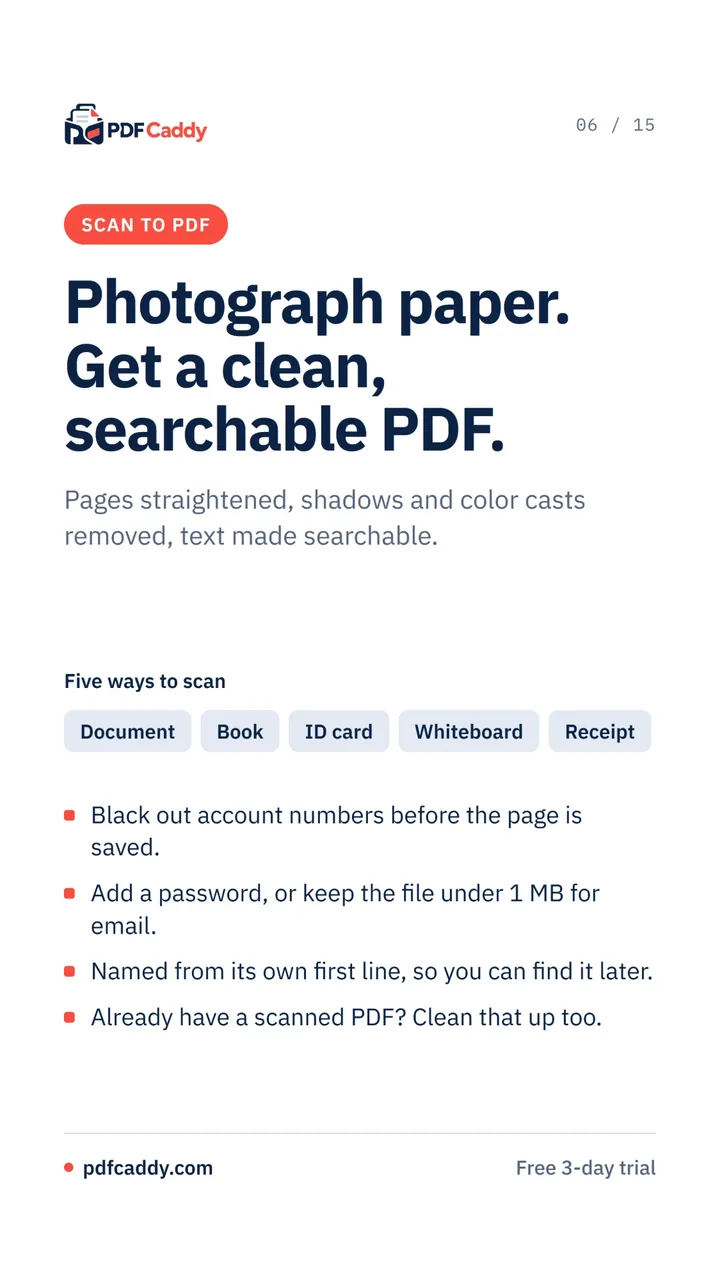
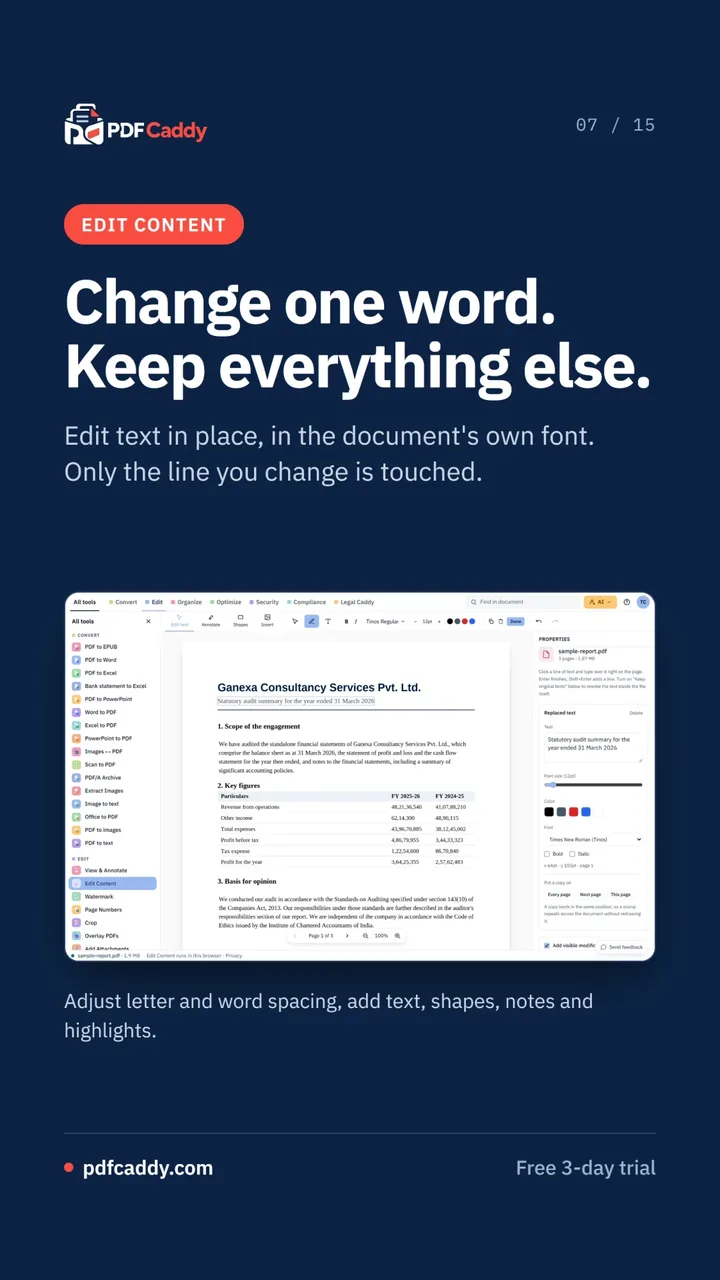
PDF Caddy puts every PDF job a professional practice does into one workspace: organising, editing, converting, signing, redacting, comparing and preparing court bundles, across 63 tools in seven families.
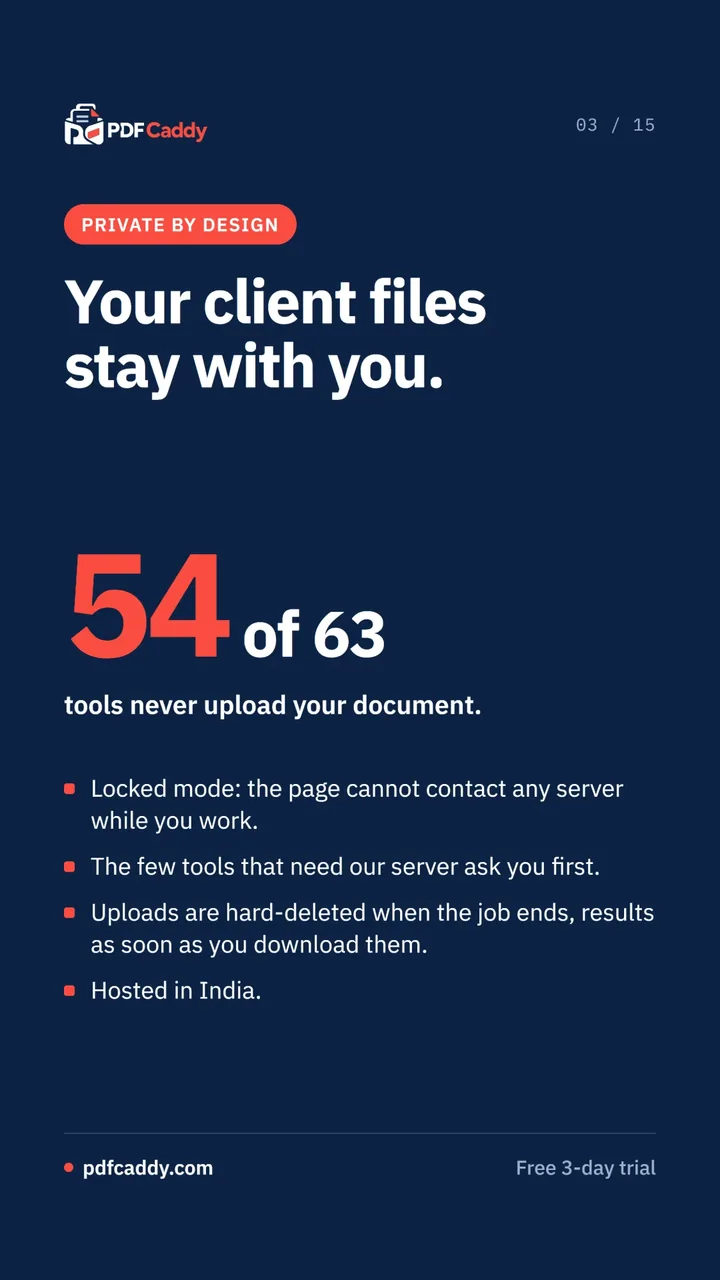
54 of the 63 tools never upload your document. The few that need the server ask you first, and uploads are deleted as soon as the job ends. Locked mode stops the page contacting any server while you work, and the service is hosted in India.
It is built for CA firms, law offices and finance teams, with tools made for their work: bank statements converted to Excel with every row checked, court-ready bundles, redaction that finds Indian identifiers, and digital signatures validated against the CCA India roots.
What you can do
Inside PDF Caddy
What the data says
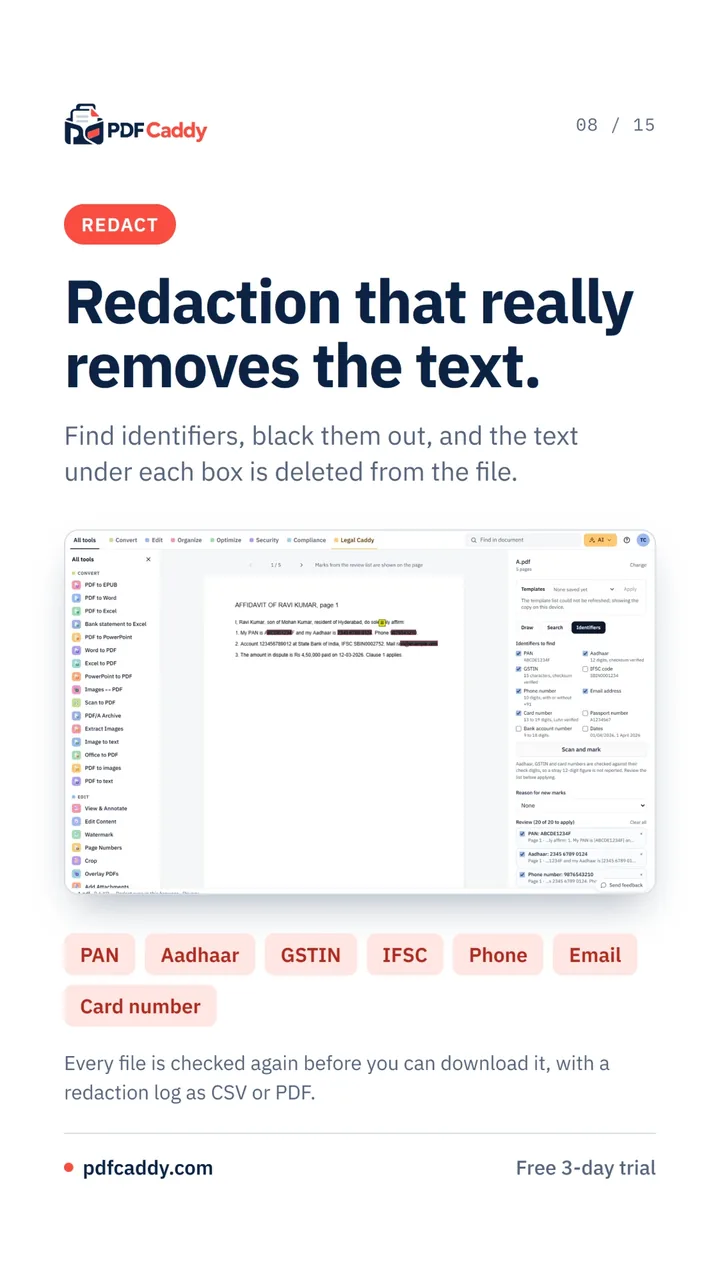
Many PDF tools only draw a box over redacted text and leave the text in the file. Proper redaction deletes what sits underneath.
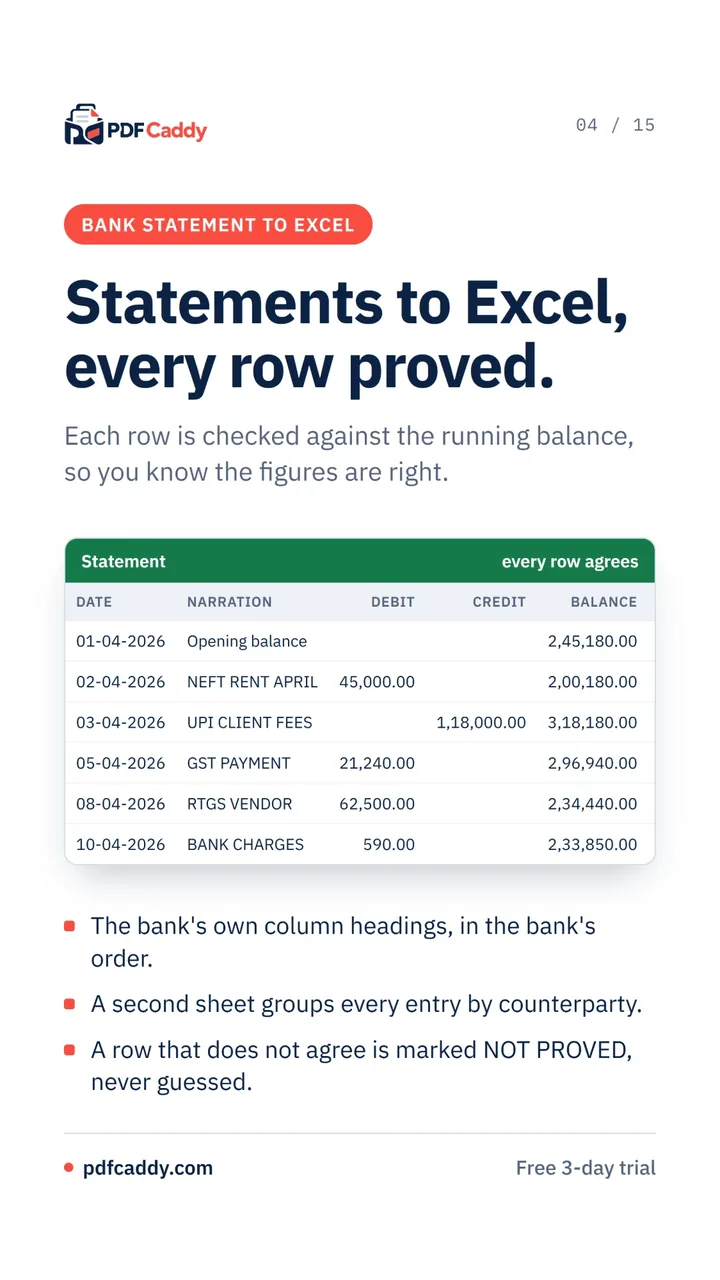
Converting bank statements by hand is slow and easy to get wrong. Checking every row against the running balance shows straight away whether the figures agree.
Most practices use several PDF websites for different jobs. One workspace with the same controls throughout is easier to govern and to audit.
Where PDF Caddy stands out
Redaction that deletes the text under each box, checks every file again before download and keeps a log as CSV or PDF.
Bank statement conversion that marks any row that does not agree as NOT PROVED, rather than guessing.
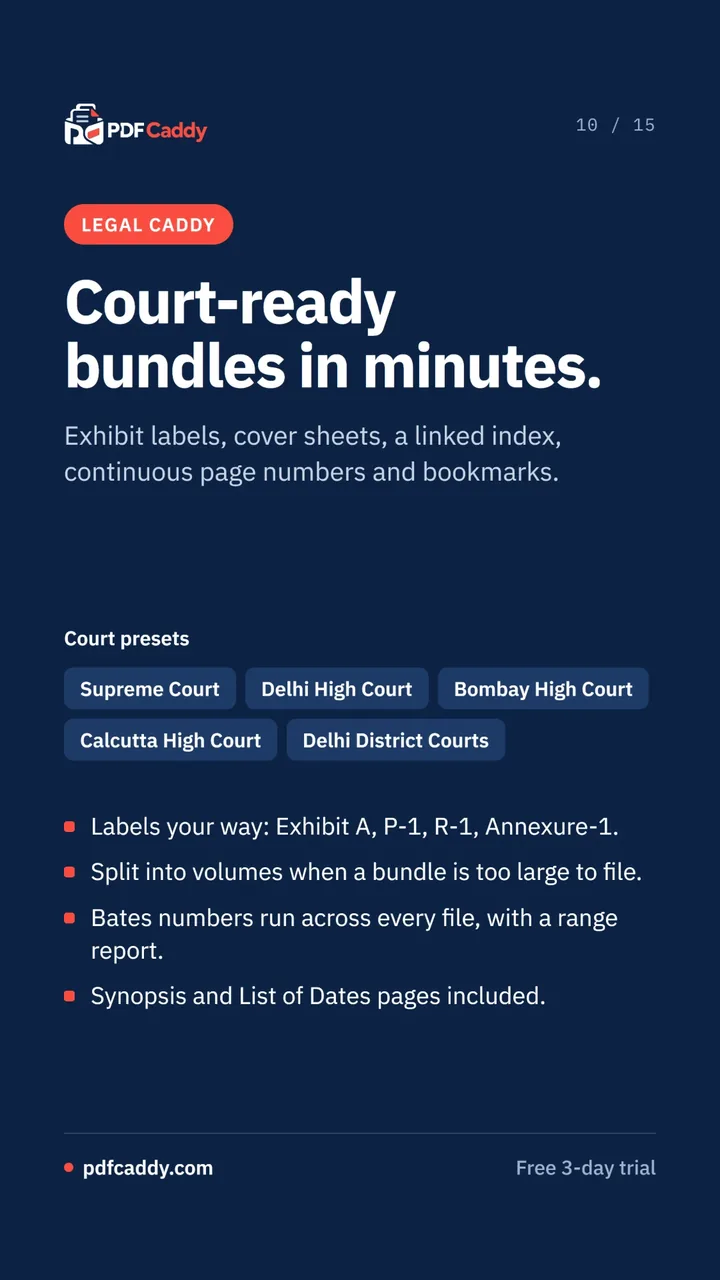
Legal Caddy, with presets for the Supreme Court and several High Courts, exhibit labels, a linked index and volume splitting.
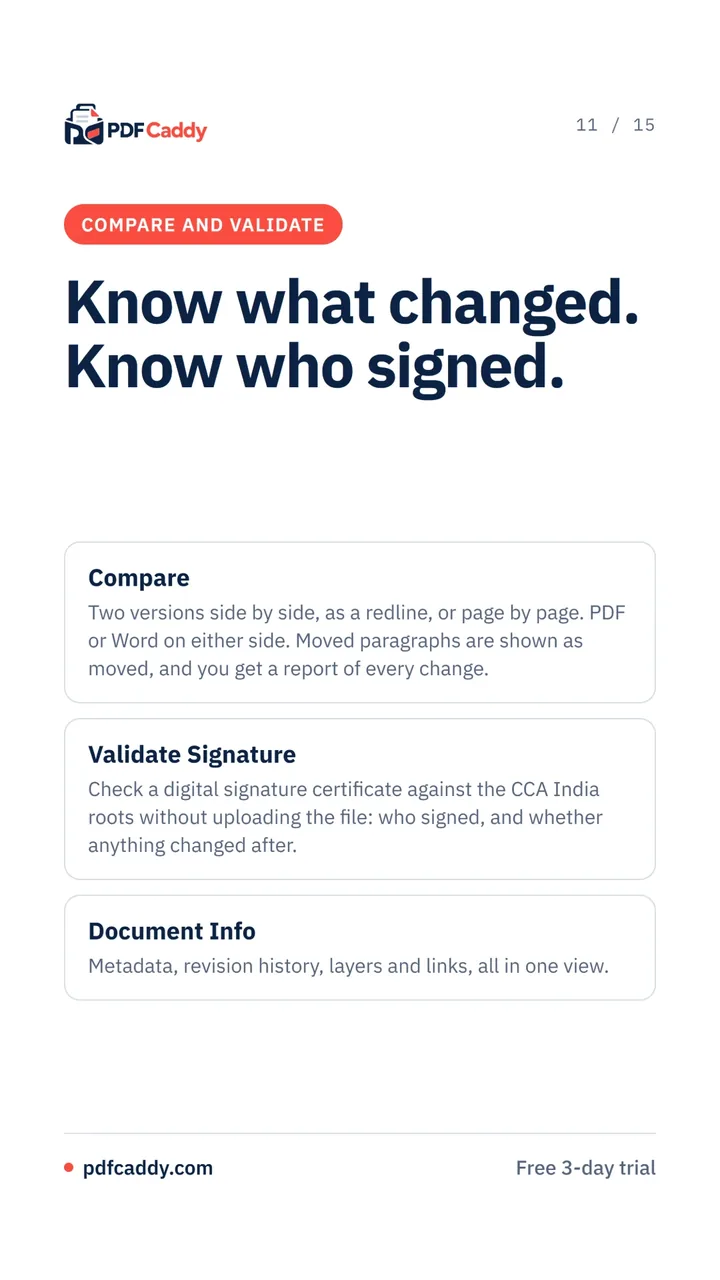
Compare two versions as a redline or side by side, with PDF or Word on either side and a report of every change.
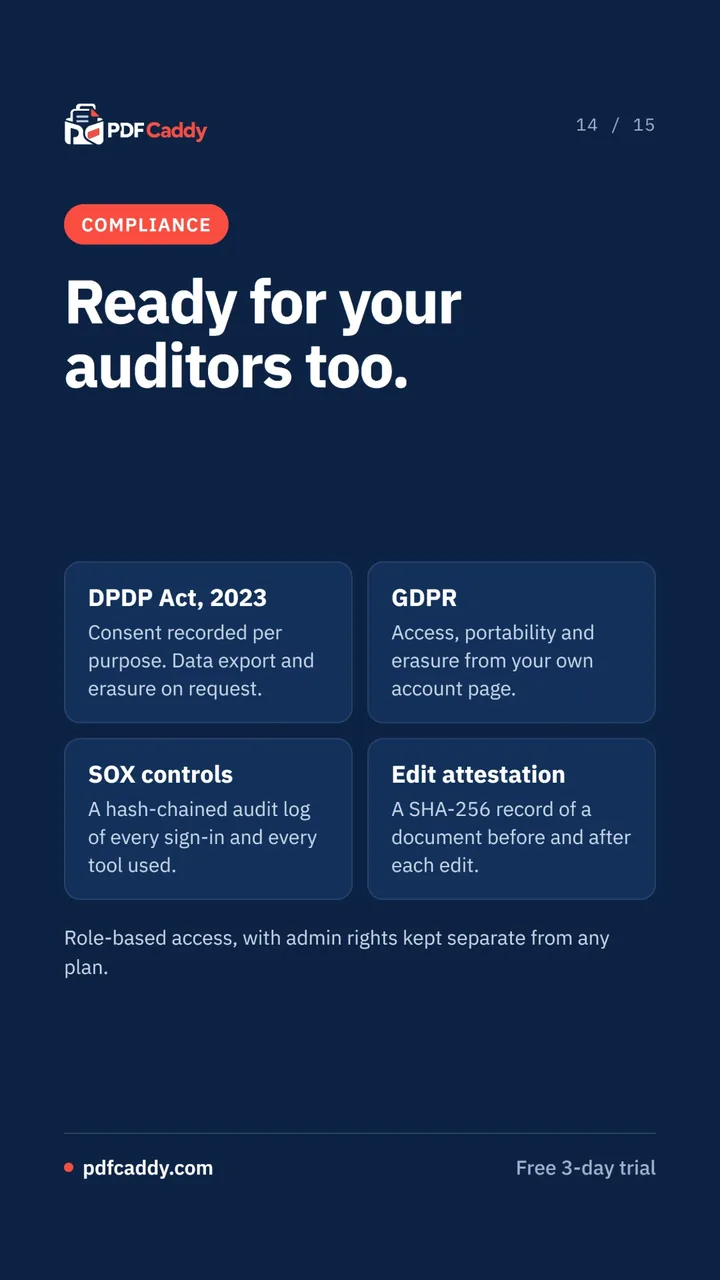
Compliance built in: consent recorded per purpose, a hash-chained audit log and a SHA-256 record of each edit.
How it works
Start your trial
MinutesSign in with Google or Microsoft. No card details and no approval step.
Every tool open to try for 3 days.
Explore the workspace
First weekTry the tools your practice uses most, save batch recipes and use locked mode for sensitive files.
A shortlist of daily tools and saved recipes.
Team-wide adoption
First monthSet up roles, firm templates an admin can lock, and court or compliance presets.
A standard PDF workflow across the team.
Part of daily work
OngoingUse it for statements, bundles, redaction, signatures and audit records as routine work.
PDF handling with an audit trail behind it.
Built for where you are
CA firms
"We convert client bank statements by hand and still find errors."
Bank statement to Excel checks every row against the running balance and groups entries by counterparty.
Statements you can rely on, with any mismatch flagged rather than hidden.
Law offices
"Preparing a court bundle means a day of labelling and page numbering."
Legal Caddy applies court presets, exhibit labels, a linked index, continuous page numbers and bookmarks.
Court-ready bundles without the manual labelling.
Finance and compliance teams
"We need to share documents without exposing personal data, and show what changed."
Redaction removes identifiers from the file itself, and edit attestation records a SHA-256 fingerprint before and after each change.
Documents shared safely, with a record auditors can check.
Inside the platform
63 tools in seven families
Organize, Edit, Optimize, Convert, Security, Compliance and Legal Caddy.
Redaction with identifier detection
PAN, Aadhaar, GSTIN, IFSC, phone, email and card numbers, with a redaction log.
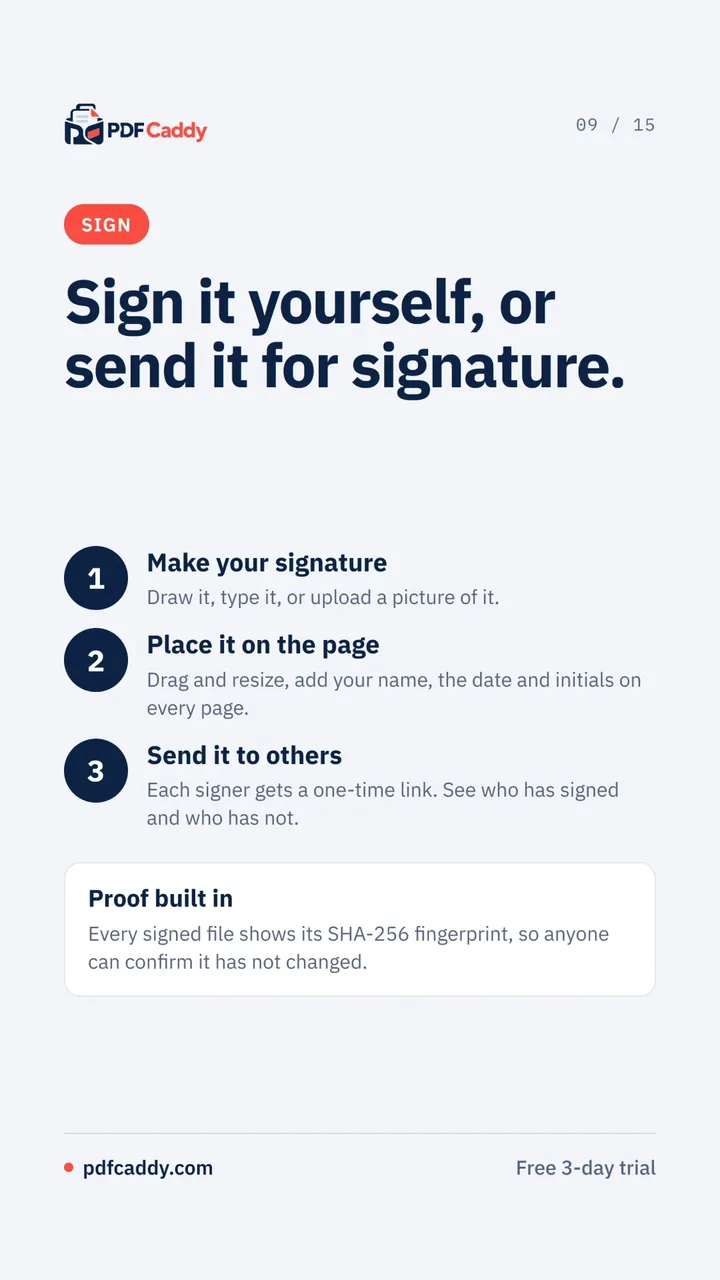
Signing and signature requests
Draw, type or upload a signature, or send one-time links to other signers.
Legal Caddy
Exhibit bundles, Bates numbering and court presets for legal work.
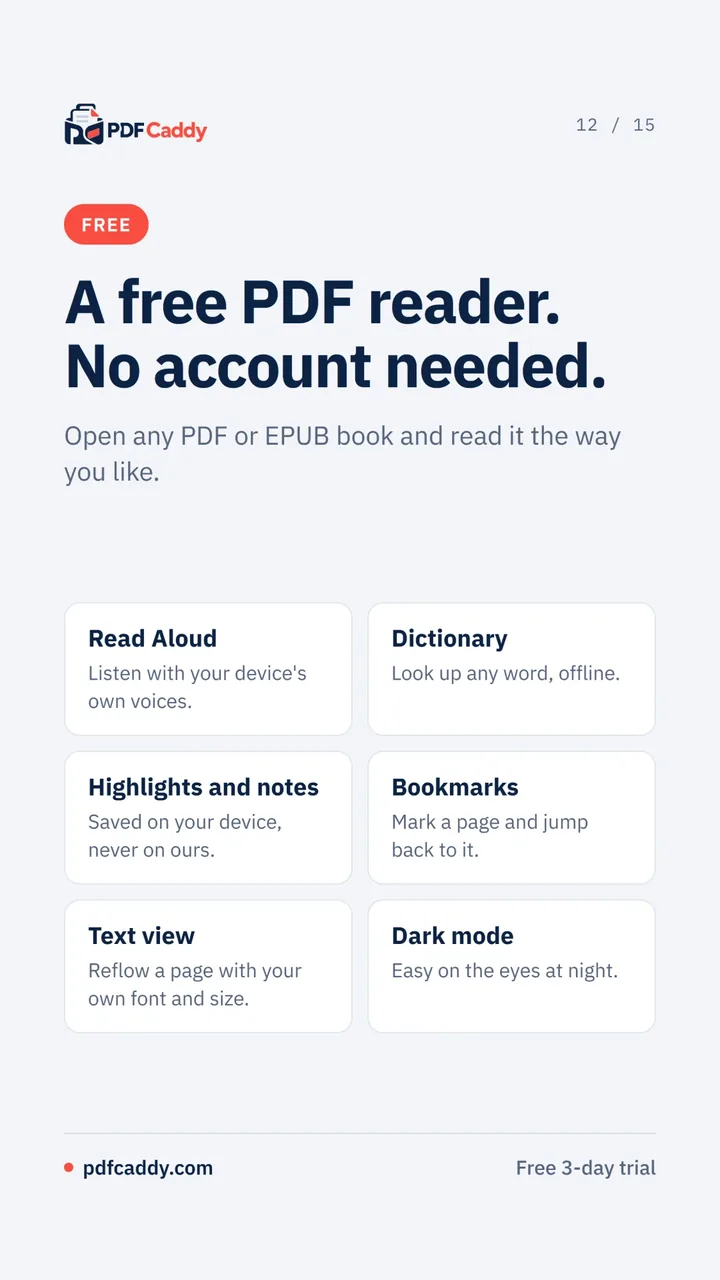
Free PDF and EPUB reader
Read aloud, dictionary, highlights and notes, with no account needed.
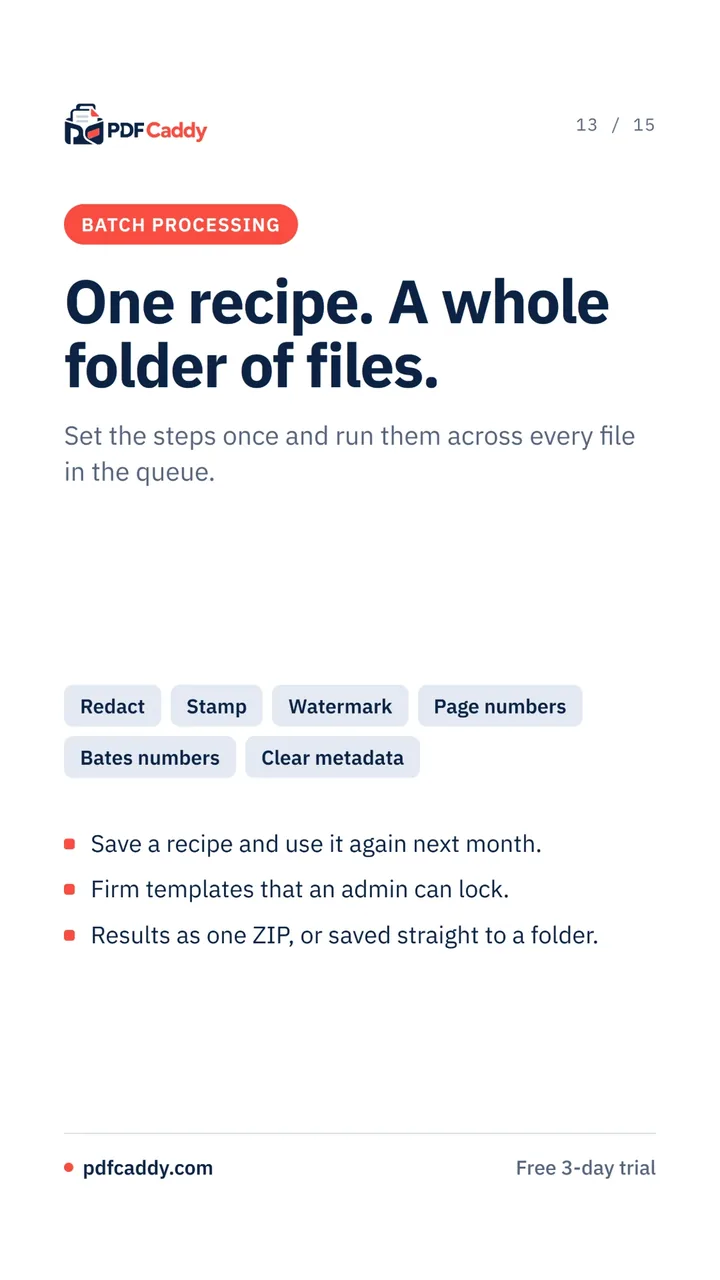
Batch processing
Save a recipe of steps and run it across a whole folder, with ZIP or folder output.
Common questions about PDF Caddy
Does PDF Caddy upload my documents?
54 of the 63 tools never upload your document. The few that need the server ask you first, and uploads are deleted as soon as the job ends. The service is hosted in India.
What is locked mode?
A setting for your most sensitive files that stops the page contacting any server while you work.
Is there a free trial?
Yes. Sign in with Google or Microsoft to try every tool free for 3 days, with no card details and no approval step. The PDF and EPUB reader is free and needs no account.
Can it validate digital signatures?
Yes. Validate Signature checks a digital signature against the CCA India roots and shows who signed and whether anything changed afterwards.
See PDF Caddy for yourself.
Explore the live product, or talk to the Ganexa team about how it fits your organisation.